
Character Creation and Customization Guide
★ Season 1: Part 2 Releases 10/29!
☆ All Season 1 New Aniimo
★ Best Teams | Best Starter | Best DPS
☆ Trending: Lita | Wendell | Wonder Egg
✪ Follow Game8's Aniimo X for news & guides!
Share your thoughts! ➤ Aniimo Player Survey
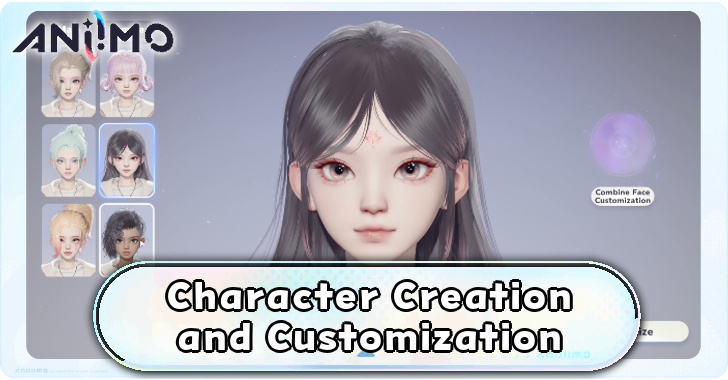
Aniimo offers a variety of options for creating and customizing your character, from presets to detailed appearance adjustments. This guide covers the available customization features, including Face Blend and QR code import.
| Character Creation Guides | |
|---|---|
| Character Creation and Customization Guide | Face Codes Sharing Board |
List of Contents
Character Creation Guide
Choose Your Gender
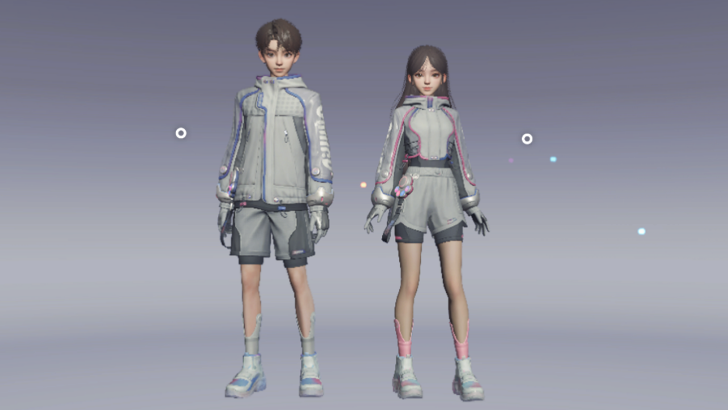
When you start the game, the first step is to create your character by selecting your gender, either Male or Female.
Note that once you choose your gender during character creation, it will be locked for the remainder of the game, and you won't be able to change it later.
All Permanent Choices and One-Time Events
How to Create Your Character
| # | How to Create Your Character |
|---|---|
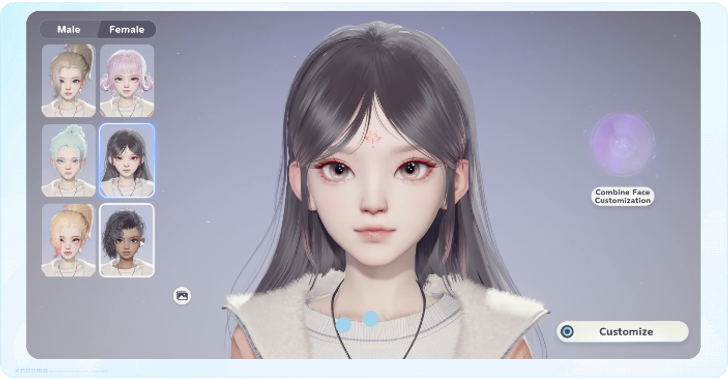
| 1 | 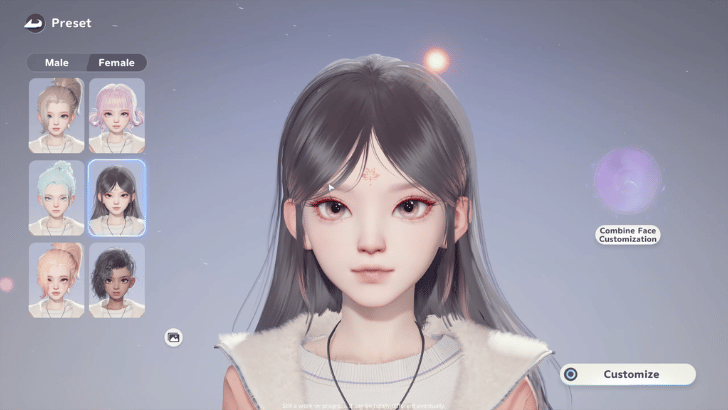 After choosing your gender, check out the face presets and customization options for each gender. |
| 2 | 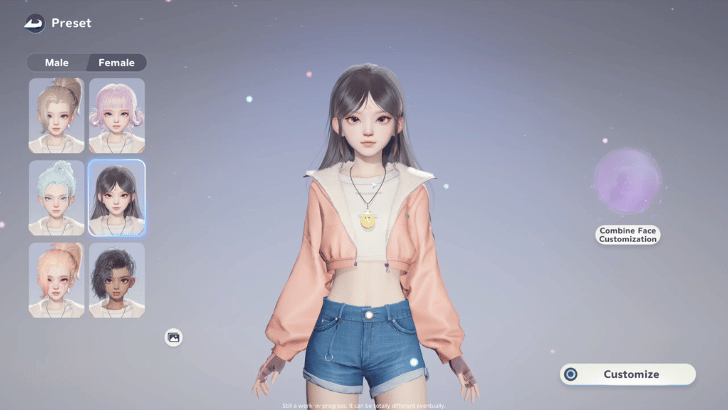 Select one of the available presets as the starting appearance for your character. You can further customize the preset afterward. |
| 2.1 | 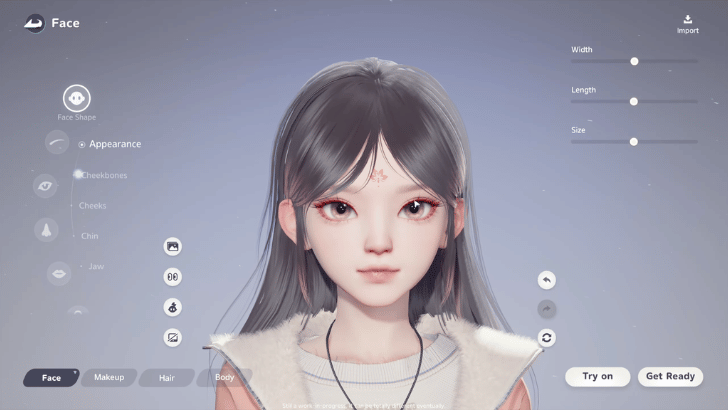 Go to Face to adjust your character's facial features, including the face shape, eyebrows, eyes, nose, mouth, and ears. This step is optional. |
| 2.2 | 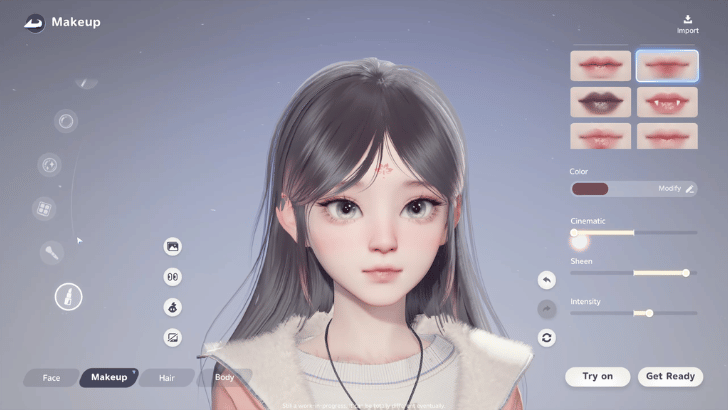 Go to Makeup to customize the character's eyes, eyebrows, pupils, iris patterns, blush, lips, markings, and skin. This step is optional. |
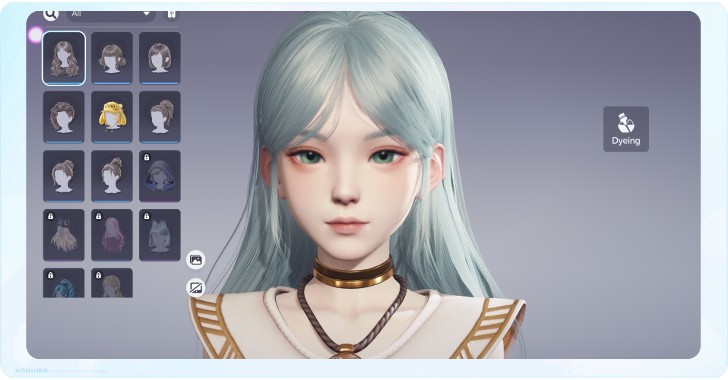
| 2.3 | 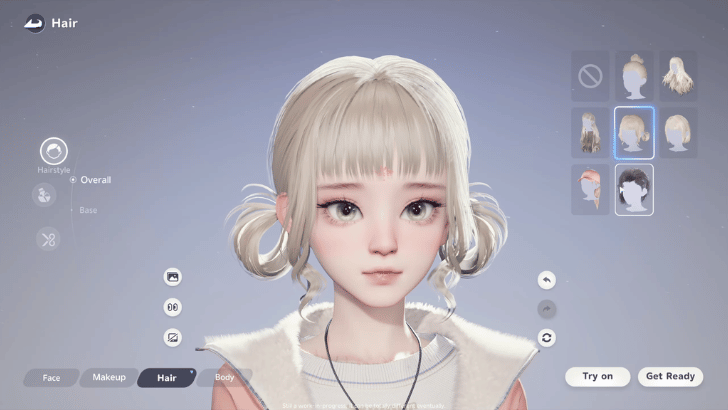 Go to Hair to choose a hairstyle and customize individual hair sections, colors, highlights, and gradients. This step is optional. |
| 2.4 | 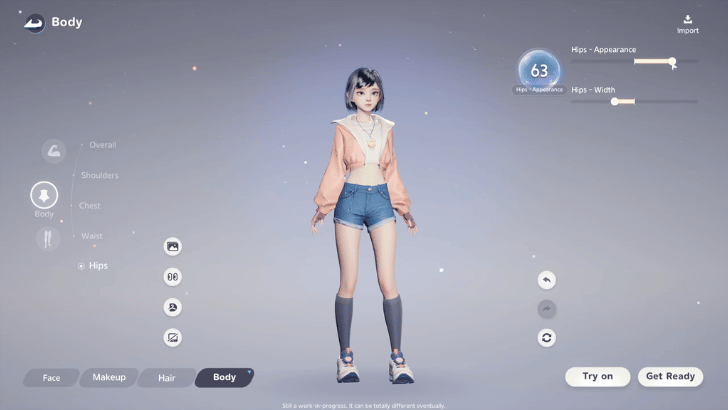 Go to Body to adjust your character's physical proportions, including the arms, hands, shoulders, chest, waist, hips, thighs, and calves. This step is optional. |
| 3 | 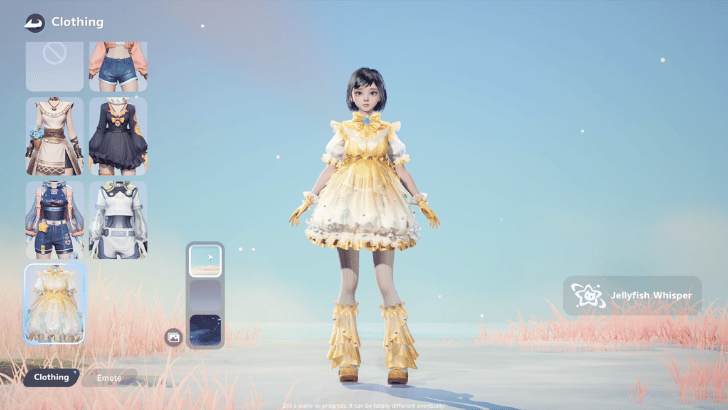 After customizing your character, go to Clothing to choose an outfit and complete the character's appearance. |
| 4 | Use the available emotes and poses to preview your character's appearance before finishing character creation. |
Optional Detailed Customization
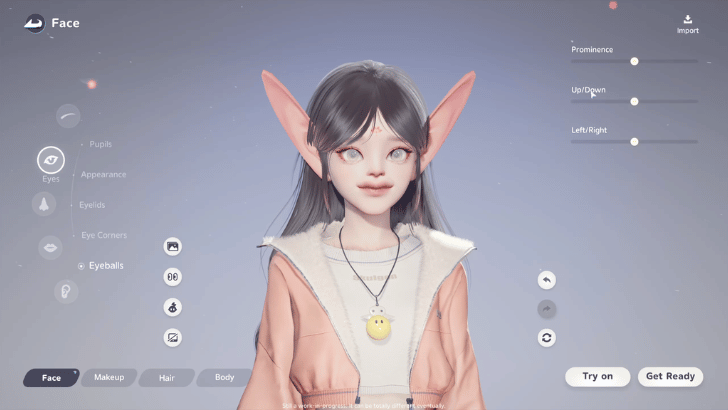
Further customize your character's appearance and physical features using the available options. You can adjust various aspects of the character's face, makeup, hair, and body to create a more personalized appearance.
You can also toggle clothing off while customizing the body.
Use Face Blend to Combine Appearances
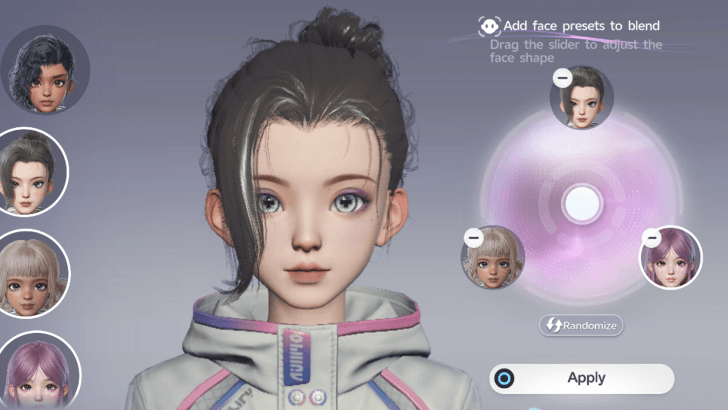
Face Blend combines facial attributes from multiple appearances. You can further customize the blended result afterward.
How to Change Character's Appearance
Go to Appearance
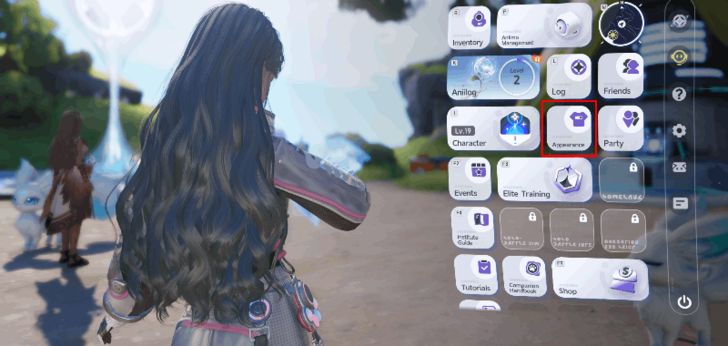
Press the Esc key (Options button on PS5 and Menu button on Xbox) to open the main menu. Select Appearance.
Select the Design Tab
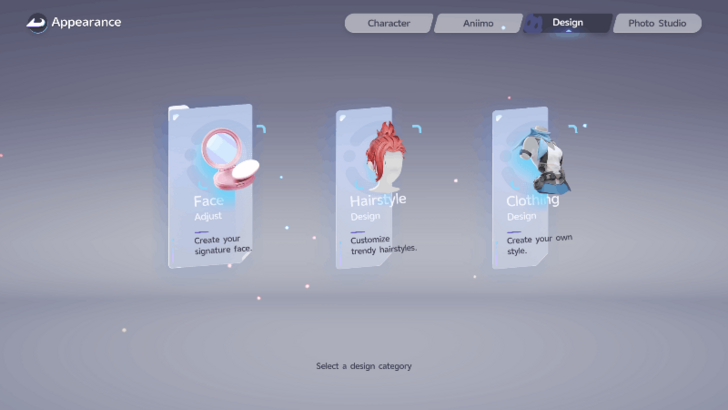
Click the Design tab and choose Face Adjust to tweak your character's facial features and Hairstyle Design to change their hairstyle and color.
Clothing Design is not available until September 30, 2026.
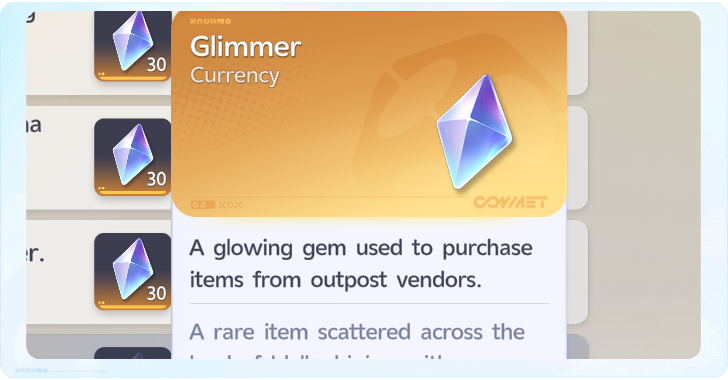
Purchase Appearance Cards in Glimmer Shop
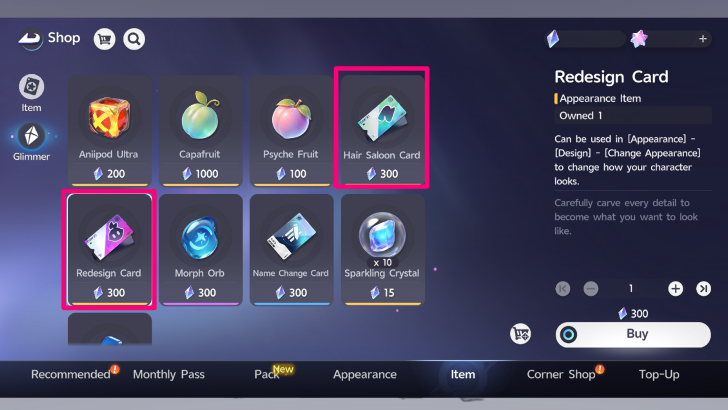
Pathfinders can change their face and hair using a Redesign Card and a Hair Salon Card, which can be purchased in the Glimmer Shop.
How to Get Glimmers and Best Ways to Spend Them
Changing Face Requires Redesign Card
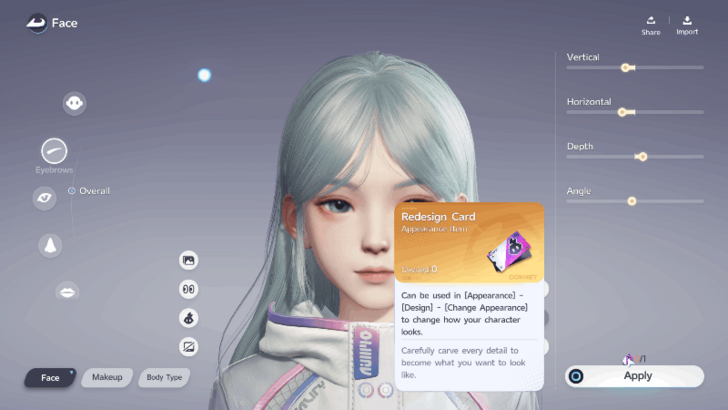
Changing your character's facial features requires obtaining one Redesign Card. You can purchase this item for 300 Glimmers at the Shop.
Dyeing Hair Requires Hair Saloon Card
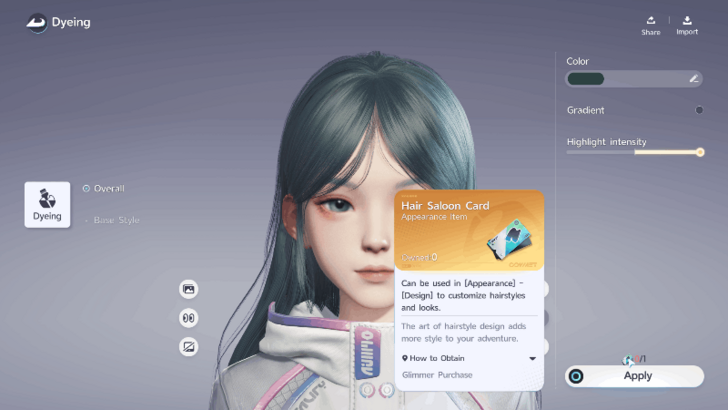
Changing the color of your character's hair costs 1 Hair Saloon Card to do so. You can also purchase the card for 300 Glimmers at the Shop. Changing the hairstyle does not cost anything, however.
How to Share and Import Character Customization
Click Share During Customization
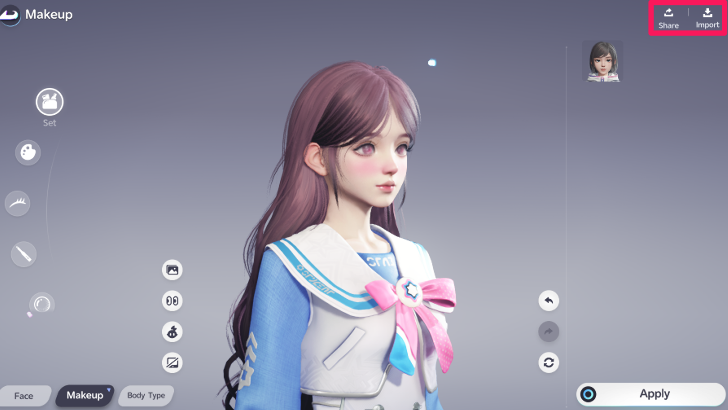
The Share option is located in the top right corner of the customization screen. When you click on Share, it will automatically generate both a QR code and a character code of your appearance.
Once your design is ready, you can share it with your friends or post it on our Face Codes Sharing Board!
Import Character Appearance via QR Code or Face Code
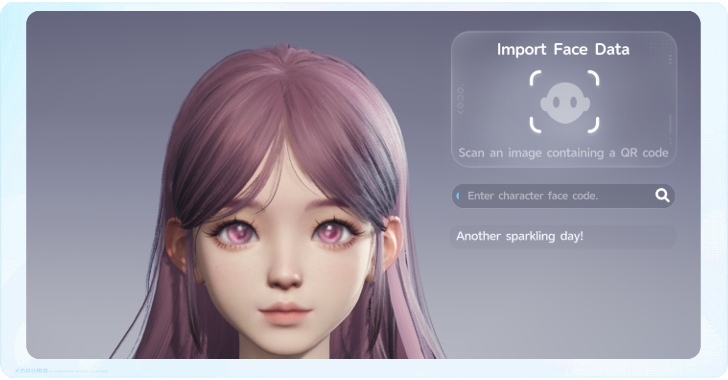
On the same top right corner, you can import character customization data by scanning a QR code or pasting a Face Code. This will allow the appearance associated with the face code to be applied to your character.
Face Codes Only Work on the Same Server
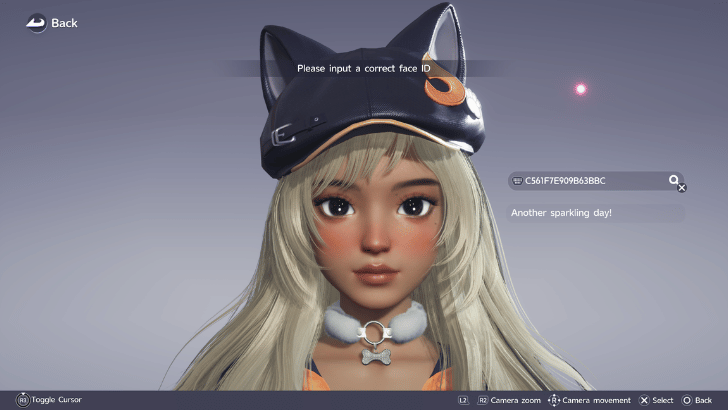
If a Face Code does not work, you and the player who shared the code may be on different servers. Face Codes can only be shared between players on the same server.
Use Appearance Changer for Insufficient Funds Error
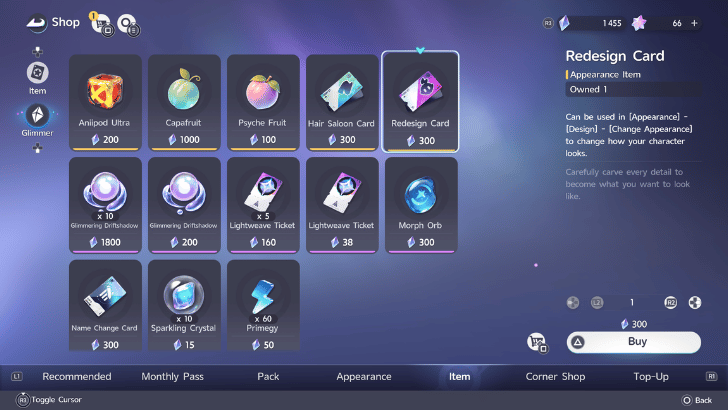
If a Face Code works but shows an Insufficient Funds message, you may need to purchase a Redesign Card from the Shop for 300 Glimmers to apply the customization.
Aniimo Related Guides
 Aniimo Walkthrough and Guides Wiki
 Looking for Great Games! Looking for Great Games! |
Is Aniimo one of your favorite games? Answer our Best Games Survey and share your unique voice with Game8's readers! |
|---|
Tier Lists and Meta Guides
 Best Aniimo Tier List
 Best Prismana Aniimo
 List of All Builds
 Best Teams
 Best Talents and Passives
 Best DPS
 Best Healers
 Best Supports
 Best Regen Aniimo
 Best Break Aniimo
 Best Earth Aniimo
 Best Grass Aniimo
 Best Lightning Aniimo
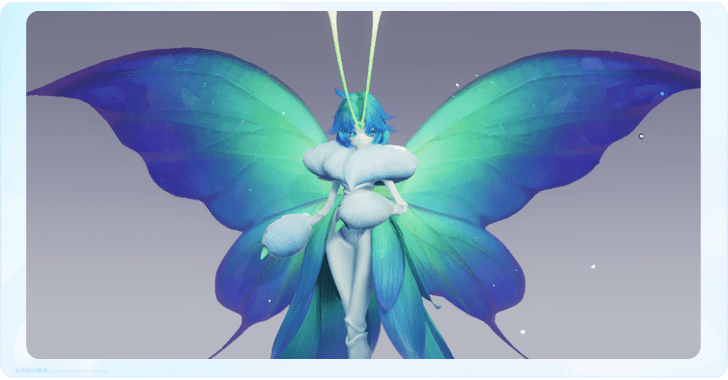 Best Wind Aniimo
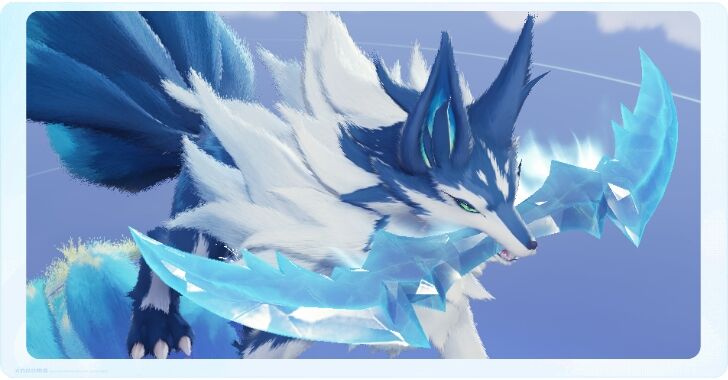 Best Ice Aniimo
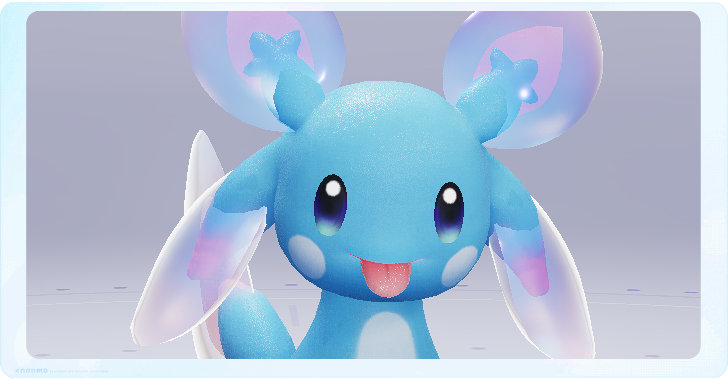 Best Water Aniimo
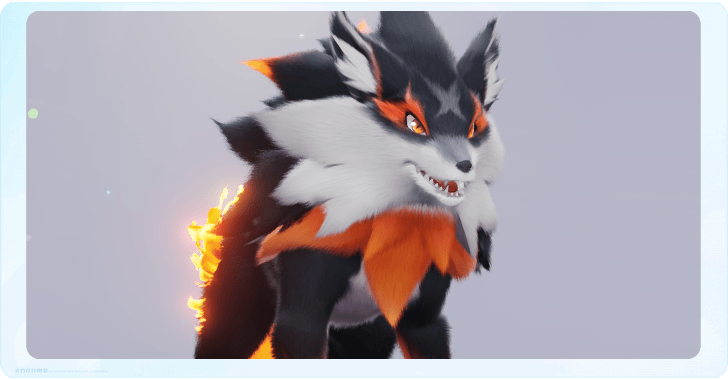 Best Fire Aniimo
 Best Dark Aniimo
 Best Light Aniimo
 Best Flying Aniimo
 Best Climbing Aniimo
 Best Swimming Aniimo
 Best Aniimo for Exploration
 Best Melee Aniimo
 Best Ranged Aniimo
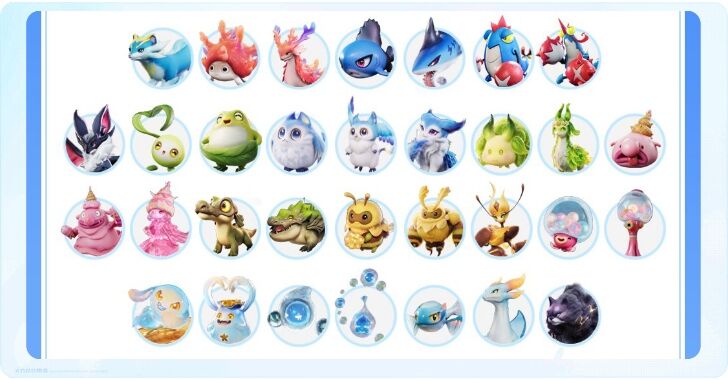 All New Season 1 Aniimo
Best Guides for Beginners
 Redeem Codes
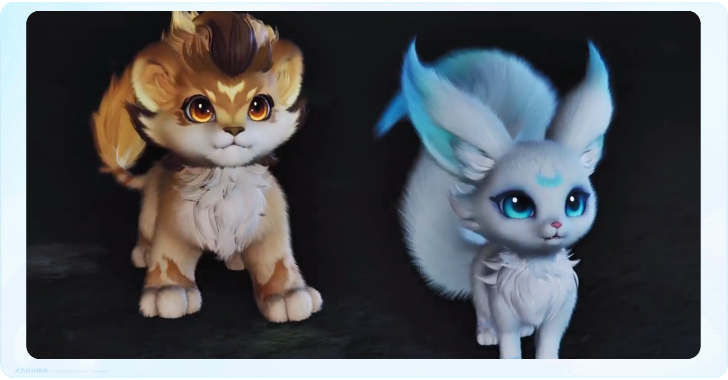 Best Starter Aniimo
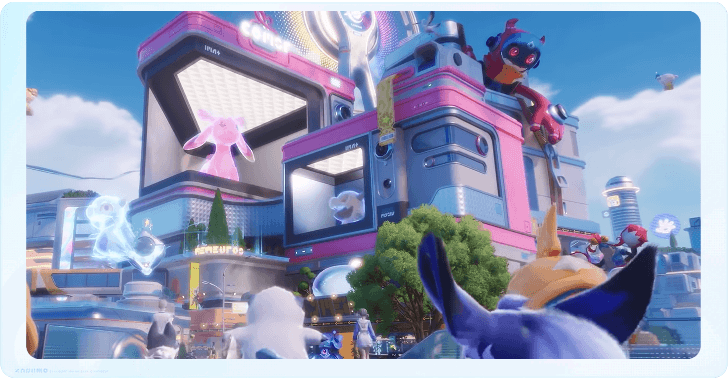 Essential Beginner Tips
 Best Early Aniimo
 All Permanent Choices
 How to Reach Wayfarer I Fast
 Character Creation Guide
 Can You Have Multiple Characters?
 Dailies and Weeklies Guide
 Progression Guide
 Best Side Quests to Complete
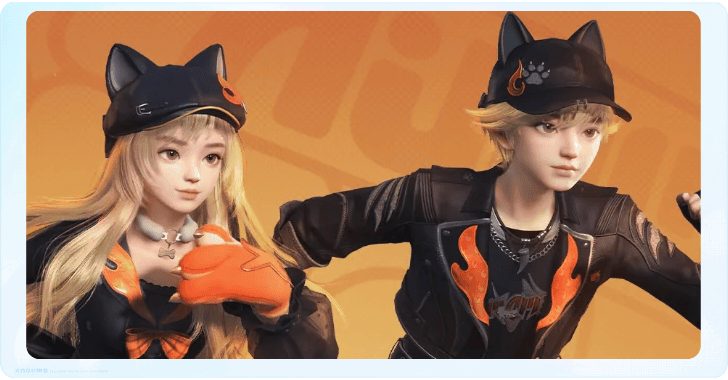 Can You Change Gender?
 What to Do If You Get Stuck
 Best and Recommended Settings
 Is There a Difficulty Setting?
 Which Server Should You Choose?
 List of Controls
 How to Save
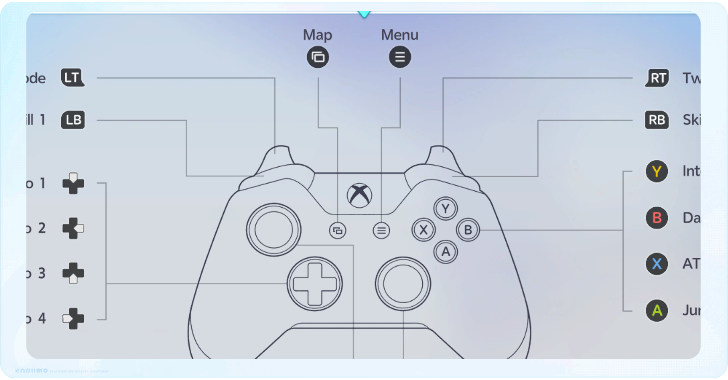
 Controller Support Guide
 How to Fix Account Login Failed Error
Gameplay Guides
 Multiplayer Explained
 Type Chart: All Element Weaknesses
 How to Level Up Your Character Fast
 How to Evolve Aniimo
 Capturing Guide
 Daily Reset Time
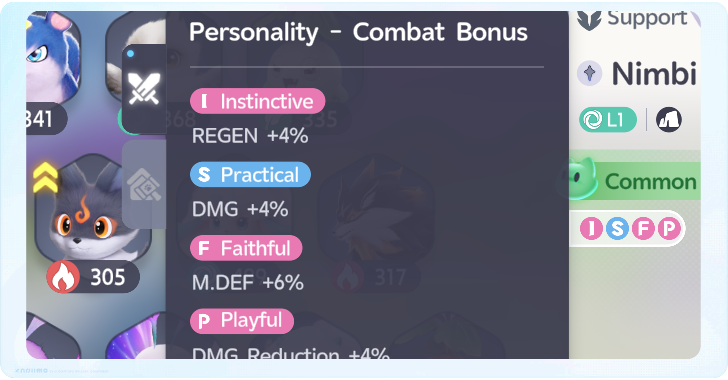 Best Aniimo Personalities
 Best Ways To Get Credits
 What to Do with Extra Aniimo
 How to Restore Primegy
 How to Get Lumin Crystals
 How to Get Glimmers
 How to Heal
 Twining vs Command Mode
 How to Change Weather
 How to Activate Prismana Flow
 Can You Name Your Aniimo?
 How to Delete Character
 How to Solve All Puzzles
 Transmogrify Explained
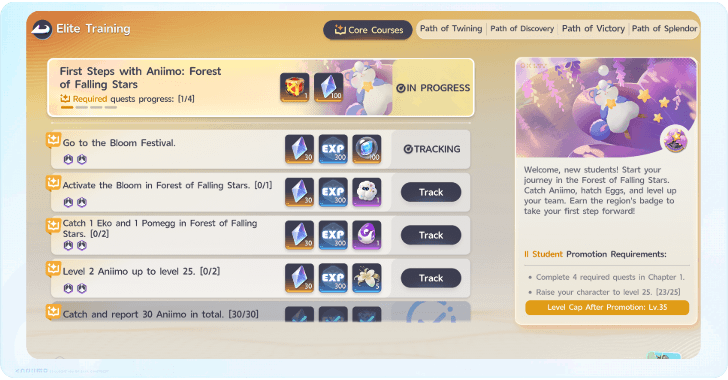 Elite Training Guide
 How Long is Aniimo?
 What are Wild Surges?
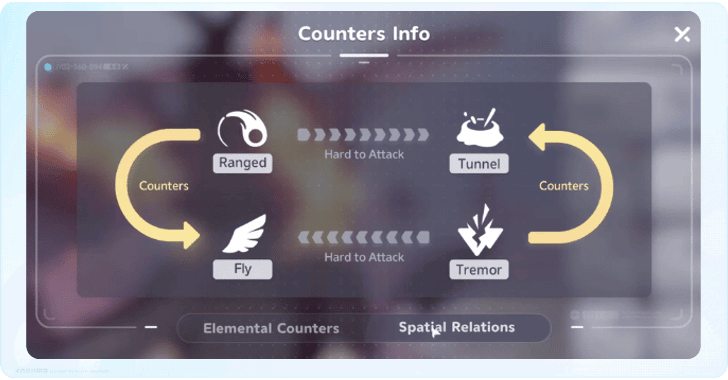 Spatial Counters Guide
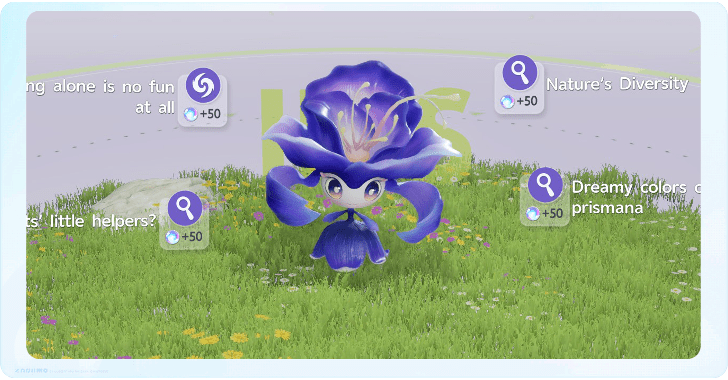 List of Research Levels and Rewards
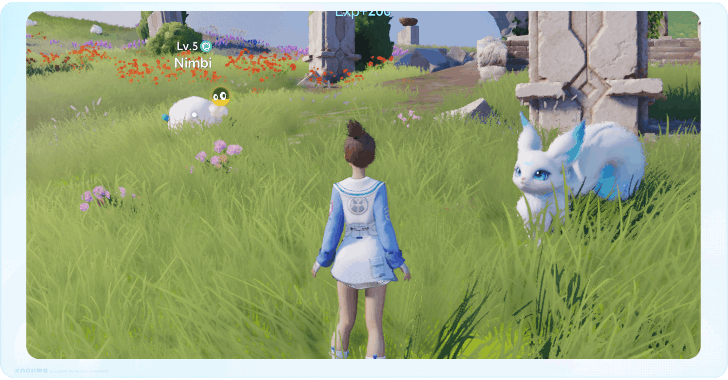 Aniimo vs Palworld: Comparison Guide
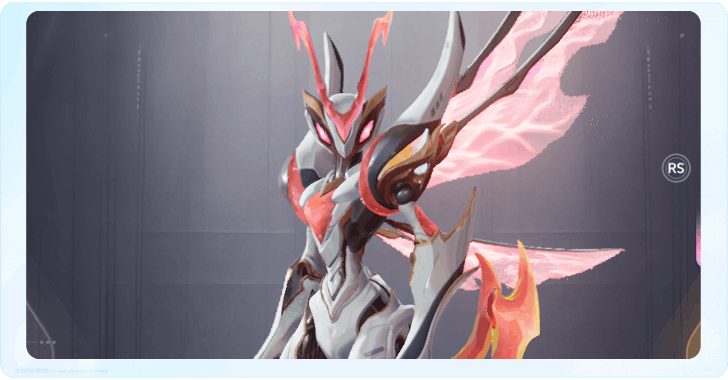 Battle Pass Guide
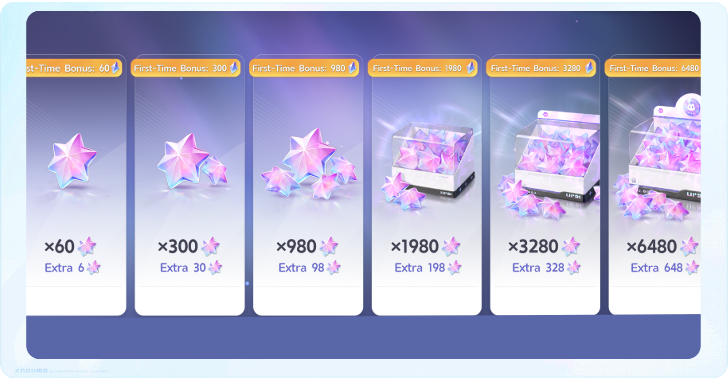 Microtransaction Shop Guide
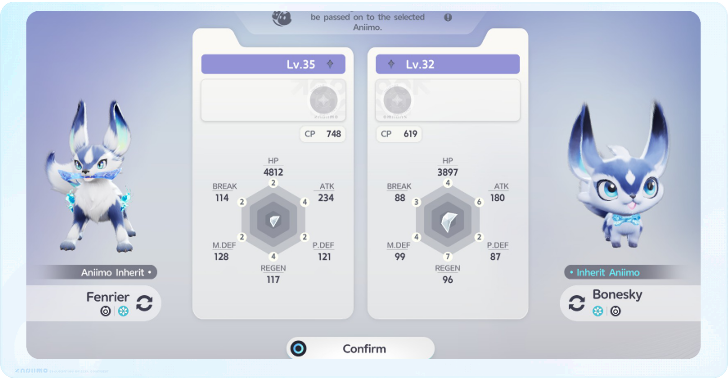 How Does Inherit Work
 PvP Release Date
 Shooting Stars Explained
 Stamp Shop Guide
 How to Level Up Aniimo Fast
 Lucky Catch (Strike) Explained
 Hatching Guide: Best Eggs to Catch
 How to Increase Stats
 How to Become Illusory Friends
 Nurture Guide
 How to Rest from Night to Day
 How to Form Contract with Held Items
 How to Change TIme of Day
 How to Get Report Cards (Skill Points)
 How to Clear Obstacles
 Endgame Guide
 What Happens When You Die?
 How to Break Level 4 Rocks
 What is the Max Level?
 Can You Play Solo?
 All Upcoming Aniimo
 Innate Potential Guide
 Holo-Battle Interlink Guide
 How to Lock-On Targets
 How to Play the Flute
 How to Host the Pomegg Party
 How to Increase Collection Level
 REGEN Explained
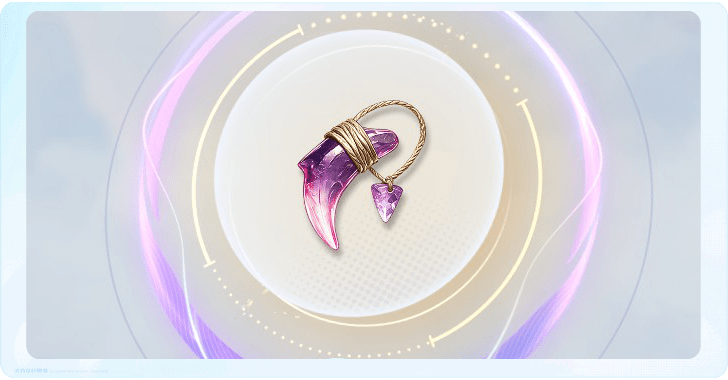 Best Held Items
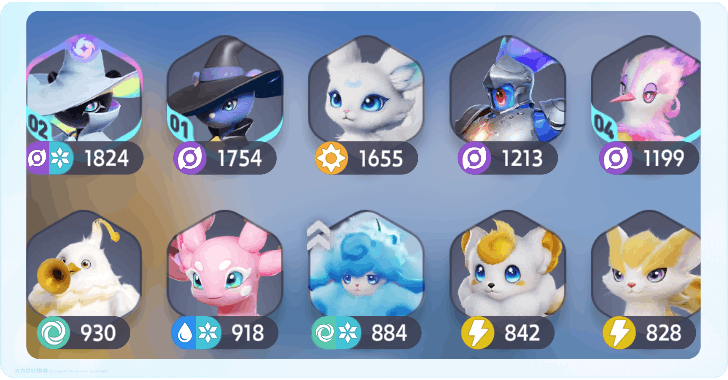 How to Increase Storage Slots
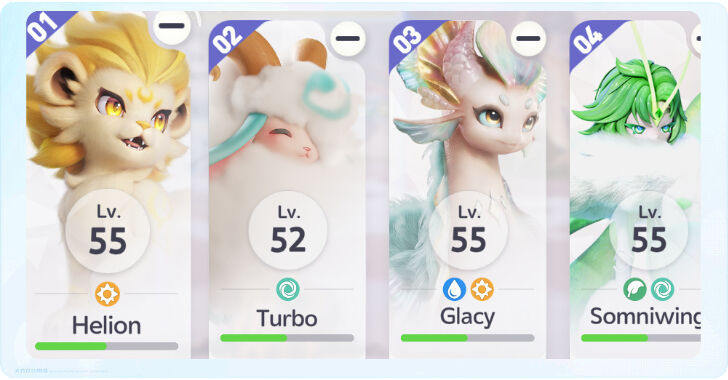 Holo-Battle Sim Guide
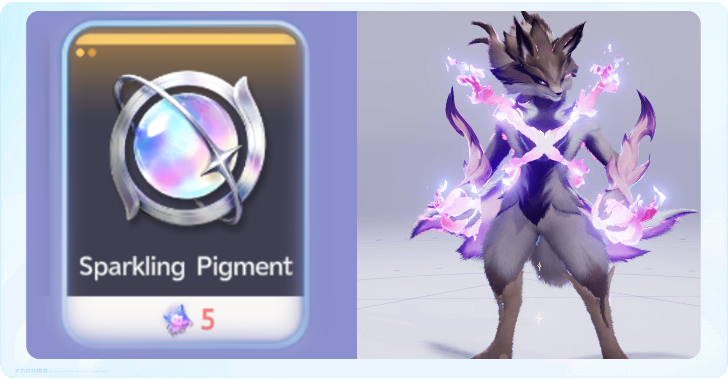 How to Change Sparkling Types
 How to Increase Stamina
 How to Change Name
 EP (Energy Points) Explained
 Trophies and Achievements Guide
 Easter Eggs and Secrets
 Elemental Debuffs Explained
 Is There STAB in Aniimo?
 All Currencies Explained
 Break Explained
 All Theory Test Answers
 Photo Mode Guide
 How to Fast Travel
 How to Leave Markings
 Best Items to Sell and Dismantle
 Can You Reroll?
 How to Get Perfect Aniimo
 Damage Amp Explained
 What Does Petting the Hatchinator Do
 All Time-Locked Activities
 Capability Awakening Guide
 Best World Activities to Complete
 How to Raise Resonance Star Rank
 How to Respawn Aniimo
Sharing Boards
 Aniimo Trading Board Aniimo Trading Board |
 Face Codes Sharing Board Face Codes Sharing Board |
 Friend ID Sharing Board Friend ID Sharing Board
|
Comment



Author

Character Creation and Customization Guide

Rankings
Gaming News

![Stupid Never Dies Review [First Impressions] | Surprisingly Shallow Gameplay for a Roguelite That Has So Much Style](https://img.game8.co/4659636/e6eb3795e66fb88ce885b33e2c68e7ed.png/thumb)
![Final Fantasy Resonance Review [First Impressions] | Freed From Gacha, a Mobile Final Fantasy Becomes a Classic](https://img.game8.co/4658800/30a5fd716de9c6896b440b4c4b45de99.jpeg/thumb)
![[INTERVIEW] STEINS;GATE RE:BOOT Devs Tease “We’re Pouring Our Hearts" Into the Series' Next Game](https://img.game8.co/4640596/54e1772041fc7f2b0cab415709a1ff16.jpeg/thumb)
Popular Games

Genshin Impact Walkthrough & Guides Wiki
Fire Emblem: Fortune's Weave (FEFW) Walkthrough & Guides Wiki
Aniimo Walkthrough & Guides Wiki
Wuthering Waves Walkthrough & Guides Wiki
Dragon's Dogma 2 (DD2) Dark Arisen Walkthrough & Guides Wiki
Umamusume: Pretty Derby Walkthrough & Guides Wiki
Honkai: Star Rail Walkthrough & Guides Wiki
Zenless Zone Zero Walkthrough & Guides Wiki
Pokemon TCG Pocket (PTCGP) Strategies & Guides Wiki
AION 2 Walkthrough & Guides Wiki




Recommended Games
Fire Emblem Heroes (FEH) Walkthrough & Guides Wiki
Where Winds Meet Walkthrough & Guides Wiki
Diablo 4: Lord of Hatred Walkthrough & Guides Wiki
Super Smash Bros. Ultimate Walkthrough & Guides Wiki
Persona 3 Reload Walkthrough & Guides Wiki
The Legend of Zelda: Tears of the Kingdom Walkthrough & Guides Wiki
Elden Ring Walkthrough & Guides Wiki
Pokemon Brilliant Diamond and Shining Pearl (BDSP) Walkthrough & Guides Wiki
Cyberpunk 2077: Ultimate Edition Walkthrough & Guides Wiki
Monster Hunter World Walkthrough & Guides Wiki




All rights reserved
©2025 Pawprint Interactive Entertainment Pte. Ltd.. All rights reserved.
The copyrights of videos of games used in our content and other intellectual property rights belong to the provider of the game.
The contents we provide on this site were created personally by members of the Game8 editorial department.
We refuse the right to reuse or repost content taken without our permission such as data or images to other sites.