
How to Use Photo Mode
✪ Check Game8 Endfield Twitter for daily tips!
★ Exclusive: Endfield's Connection to Arknights
✰ Version 1.6 is out! | Yuanyuan's Blazing Stoves
├ P1: Si (Builds / Teams / Banner)
├ P2: Argent Flow (Builds / Banner)
└ Rerun: Tangtang (Builds | Teams | Banner)
Photo Mode can be used by switching to Camera in Easy Tools then pressing R on PC, R3 on Controller, and the Camera button for mobile. Learn how to use Photo Mode, how to unlock it, and where to find your photos here!
How to Use Photo Mode
Press the Corresponding Keys on Your Device
| Camera Controls and Keys | ||
|---|---|---|
 PC PC |
 Controller Controller |
 Mobile Mobile |
Photo mode can be activated by pressing the corresponding buttons, dependent on your device. You can also change the default keybind for the Camera in the game's settings.
There is no cooldown for the Camera so you may use it whenever you like.
Switch to Camera Through Easy Tools
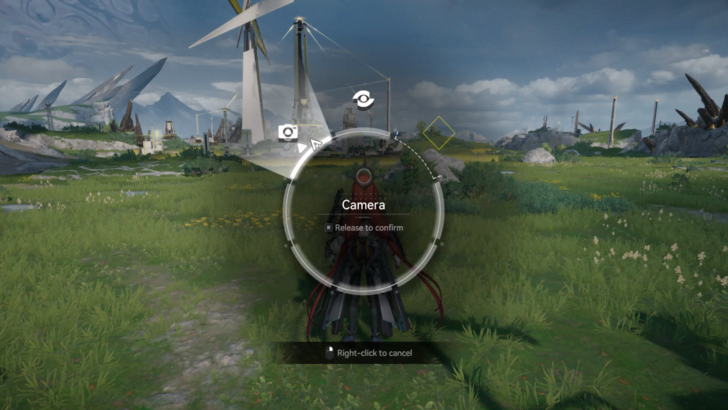
Because Scan is the default, you will need to manually switch to the Camera through Easy Tools. To do this, you will need to hold the corresponding key on your device and direct it towards the Camera icon.
Note that once the main utility for Easy Tools has been switched, it will stay as the feature you left it on. To access other features, remember to manually switch them out when needed.
Adjust the Frame and Style However You Like
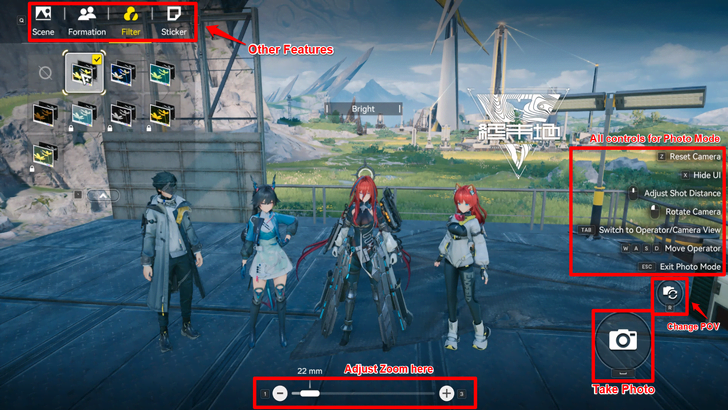
Once you are in Photo Mode, you can adjust the frame and style however you like. There are many elements to discover in Photo Mode, such as Scene, Filters, Formation and Stickers.
There are also a list of controls to the side that can help you adjust the angles and depth however you please.
How to Get Filters and Stickers for Photo Mode
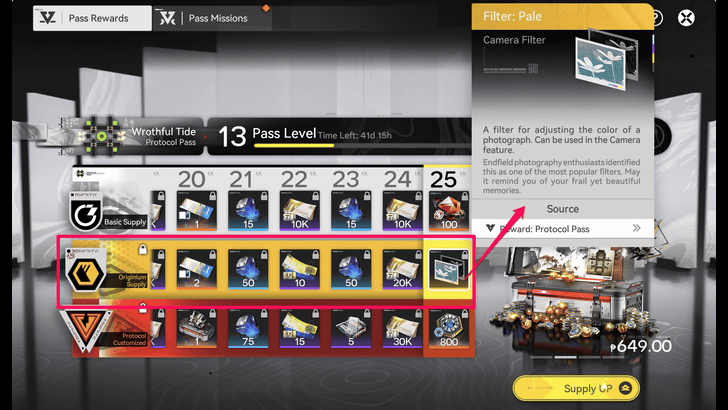
There are free filters and stickers that are accessible to the players when you open Photo Mode. However, there are also locked filters and stickers which can only be attained in the Originium Supply tier of the Protocol Pass.
Is Buying the Protocol Pass Worth It?
How to Unlock Camera
Progress Through Rally and Unite
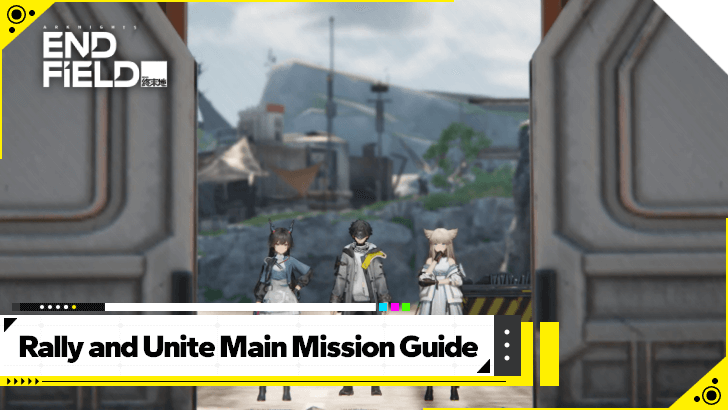
You will unlock the Camera feature when you progress through the Rally and Unite mission. Here, you will unlock the Easy Tools button, where the Camera can be switched to.
Rally and Unite Main Mission Guide
Where to See Your Photos
Check Your Device's Media Folders
| PC | Endfield Subfolder in Pictures |
|---|---|
| Mobile | Photos/Gallery App |
For PC users, you can find your photos in your desktop's Pictures folder. A subfolder labeled Endfield should have all of the images you've taken using the in-game Camera.
For mobile users, you will need to select Save after you've taken the photo in-game and it will automatically save in your Photos or Gallery app.
Arknights: Endfield Related Guides

Beginner Guides
 How to Level Up Fast How to Level Up Fast |
 Best Settings Best Settings
|  Early Game Tips Early Game Tips |
 Level Up Guide Level Up Guide |
 Upgrade Weapons Upgrade Weapons |
- |
Combat Guides
 Arts Reaction Guide Arts Reaction Guide |
 Combat System Tips and Tricks Combat System Tips and Tricks |
 How to Do Perfect Dodge How to Do Perfect Dodge |
 Arts Bursts Guide Arts Bursts Guide |
 Physical Status Guide Physical Status Guide |
 How to Stagger Enemies How to Stagger Enemies |
 How to Use Combo Skills How to Use Combo Skills |
- | - |
General Guides
 Top Up Guide
 Main Character Differences
 Ways to Spend Currency
 Dailies Guide
 Reset Times
  Easter Eggs
 Credit Store Guide
 Clue Room Guide
  Trust Guide
 All Puzzles and How to Solve
 Originium Repair Module Guide
 Weeklies and Things to Do Every Week
 How to Recover Sanity
 How to Heal
 Reception Room Guide
 All Roles Explained
 How to Change and Swap Characters
 How to Interrupt Enemy Attacks
 How to Unstuck
 How to Use the Chat Function
 How to Sprint
 How to Lock On to Targets
 How to Move and Stash Facilities
 Sealed Chest Puzzle Guide
 How to Scan
 All Athletic Race Locations
Technical Guides
 List of Controls List of Controls |
 Controller Support Controller Support |
 How to Download How to Download |
 How to Link Accounts How to Link Accounts |
 How to Uninstall How to Uninstall |
 How to Increase FPS How to Increase FPS |
Frequently Asked Questions
 What is Purity
 Backpack Guide
 How to Change Genders
 How to Revive Allies
 How to Raise Exploration Lv.
 How to Drain Water
 How to Power Aburrey Quarry
 How to Power Originium Science Park
 How to Power Electric Nexus
 How to Increase Inventory
 How to Change Name
 When Do Materials Spawn?
 How to Spray and Change Water Types
 Can You Skip Cutscenes?
 Can You Remove Endministrator's Mask?
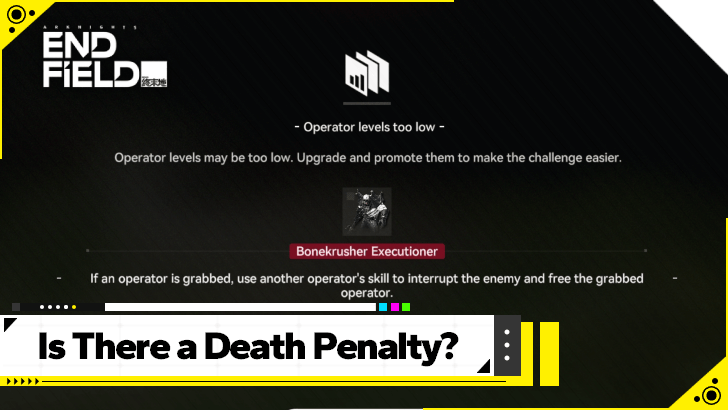 Is There a Death Penalty?
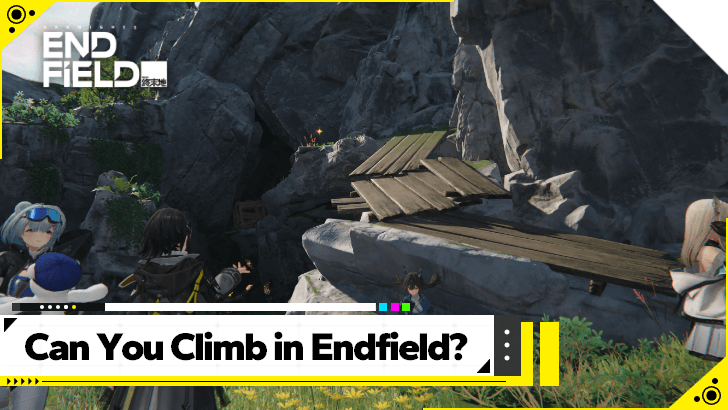 Can You Climb?
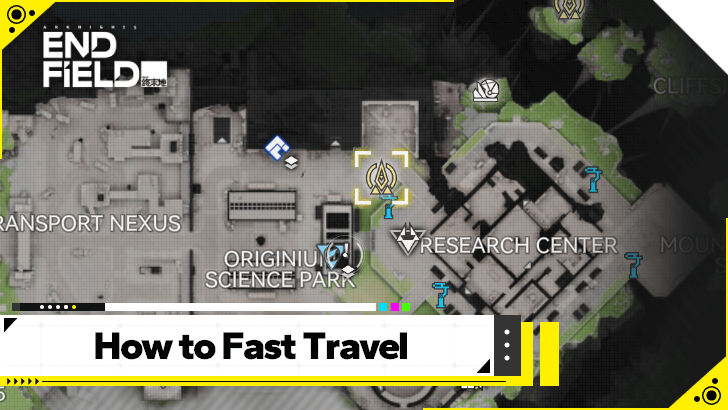 How to Fast Travel
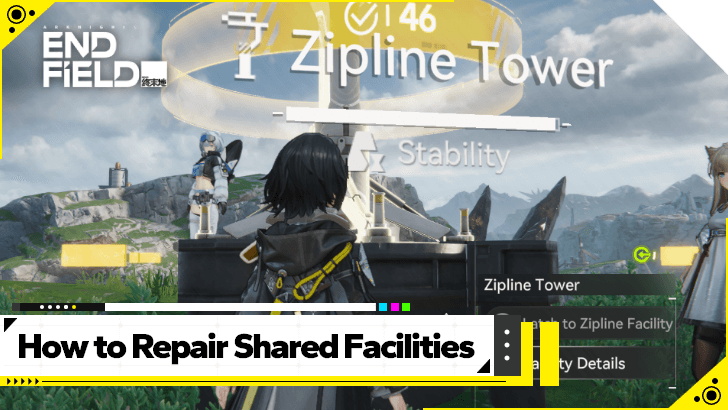 How to Repair and Share Facilities
 How to Recover Lost Mail In-Game
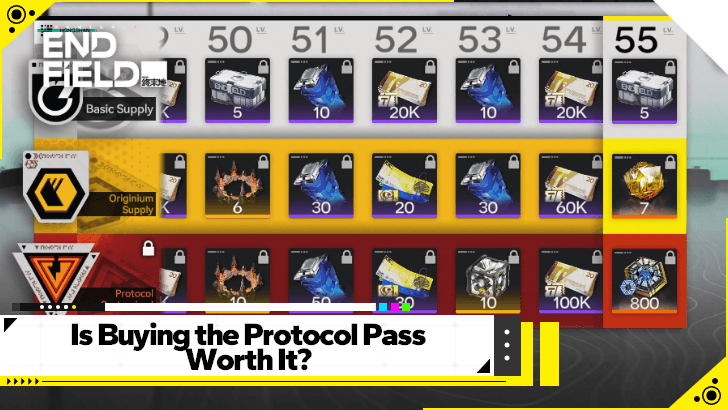 Is Buying the Protocol Pass Worth It?
 Are There Vehicles in Endfield?
 What Happens on Your Birthday?
 How to Increase Protocol Capacity
 How to Use Backup Power
Comment




How to Use Photo Mode

Premium Articles
Rankings
- We could not find the message board you were looking for.

Gaming News


![Stupid Never Dies Review [First Impressions] | Surprisingly Shallow Gameplay for a Roguelite That Has So Much Style](https://img.game8.co/4659636/e6eb3795e66fb88ce885b33e2c68e7ed.png/thumb)
![Final Fantasy Resonance Review [First Impressions] | Freed From Gacha, a Mobile Final Fantasy Becomes a Classic](https://img.game8.co/4658800/30a5fd716de9c6896b440b4c4b45de99.jpeg/thumb)
![[INTERVIEW] STEINS;GATE RE:BOOT Devs Tease “We’re Pouring Our Hearts" Into the Series' Next Game](https://img.game8.co/4640596/54e1772041fc7f2b0cab415709a1ff16.jpeg/thumb)
Popular Games

Genshin Impact Walkthrough & Guides Wiki
Fire Emblem: Fortune's Weave (FEFW) Walkthrough & Guides Wiki
Aniimo Walkthrough & Guides Wiki
Wuthering Waves Walkthrough & Guides Wiki
Dragon's Dogma 2 (DD2) Dark Arisen Walkthrough & Guides Wiki
Umamusume: Pretty Derby Walkthrough & Guides Wiki
Honkai: Star Rail Walkthrough & Guides Wiki
Zenless Zone Zero Walkthrough & Guides Wiki
Pokemon TCG Pocket (PTCGP) Strategies & Guides Wiki
AION 2 Walkthrough & Guides Wiki










Recommended Games
Fire Emblem Heroes (FEH) Walkthrough & Guides Wiki
Where Winds Meet Walkthrough & Guides Wiki
Diablo 4: Lord of Hatred Walkthrough & Guides Wiki
Super Smash Bros. Ultimate Walkthrough & Guides Wiki
Persona 3 Reload Walkthrough & Guides Wiki
The Legend of Zelda: Tears of the Kingdom Walkthrough & Guides Wiki
Elden Ring Walkthrough & Guides Wiki
Pokemon Brilliant Diamond and Shining Pearl (BDSP) Walkthrough & Guides Wiki
Cyberpunk 2077: Ultimate Edition Walkthrough & Guides Wiki
Monster Hunter World Walkthrough & Guides Wiki










All rights reserved
Copyright © 2022 - 2025 GRYPHLINE. All Rights Reserved.
The copyrights of videos of games used in our content and other intellectual property rights belong to the provider of the game.
The contents we provide on this site were created personally by members of the Game8 editorial department.
We refuse the right to reuse or repost content taken without our permission such as data or images to other sites.