
Depot Bus Integration Simulation Guide
✪ Check Game8 Endfield Twitter for daily tips!
★ Exclusive: Endfield's Connection to Arknights
✰ Version 1.6 is out! | Yuanyuan's Blazing Stoves
├ P1: Si (Builds / Teams / Banner)
├ P2: Argent Flow (Builds / Banner)
└ Rerun: Tangtang (Builds | Teams | Banner)
Depot Bus Integration is a simulation factory tutorial in Arknights: Endfield. Learn how to solve this simulation, the solution to get 6/min of Buck Capsule C, and more!
How to Solve Depot Bus Integration
LC Valley Battery Setup Solution
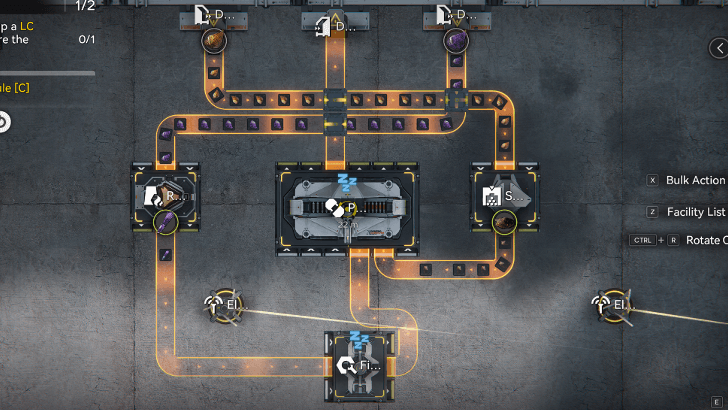
The first task for this simulation is to create an LC Valley Battery setup using the provided machines. To do this:
| 1 | Connect the left Originium Depot Unloader to the Shredding Unit to the left. Afterwards, connect the right Amethyst Depot Unloader to the left Refining Unit. |
|---|---|
| 2 | Connect the output of the right Shredding Unit to one input of the Packaging Unit. |
| 3 | Connect the left Refining Unit output to the input of the bottom Fitting Unit. |
| 4 | Connect the output of that Fitting Unit to one input of the Packaging Unit. |
| 5 | Finally, connect an output of the Packaging Unit to the Depot Loader in the middle of the two Depot Unloaders. Wait for the battery to finish crafting. |
6/min for Buck Capsule C Solution
Planter Solution (Right Side)
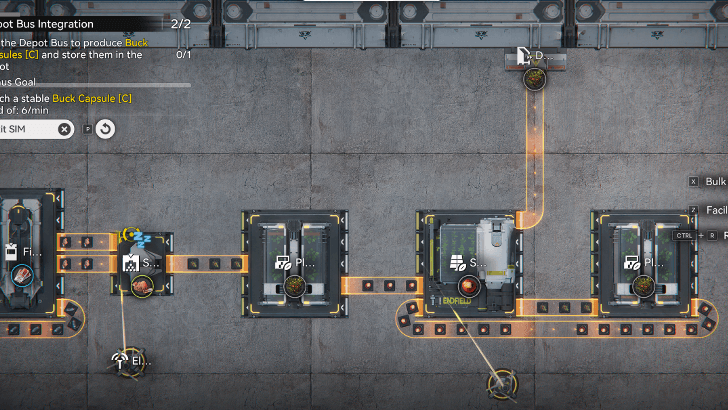
The goal for this side is to create an infinite Planter-Seeder loop to produce Buckflower.
| 1 | First, put a Depot Unloader at the top Depot and set it to Buckflower. Connect it to one input of the Seed-Picking Unit. |
|---|---|
| 2 | Connect 1 output of the Seed-Picking Unit to the left Planting Unit. Then, connect another input to the right Planting Unit. |
| 3 | Connect the output of the left Planting Unit to the Shredding Unit on the left. |
| 4 | Connect the output of the right Planting Unit back to the Seed-Planting Unit. This effectively creates an infinite loop. |
| 5 | Lastly, connect 2 outputs of the Shredding Unit to two inputs of the Filling Unit. |
Amethyst Bottle Solution (Left Side)
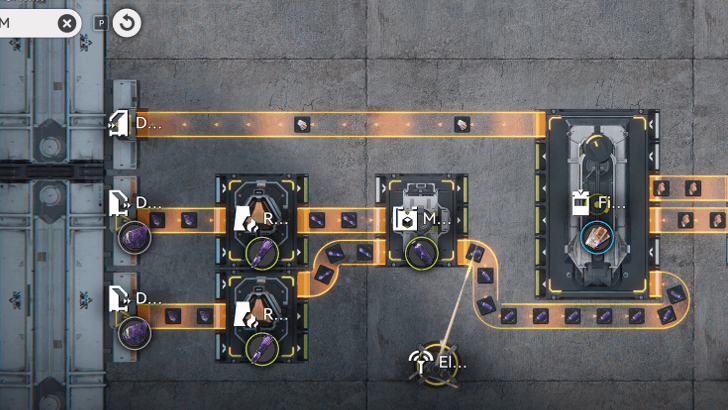
For this section, we aim to create a 100% efficient Amethyst Bottle production line.
| 1 | First, put two Depot Unloaders on the left and set both to Amethyst Ores. Connect each unloader to both Refining Units. |
|---|---|
| 2 | Next, connect both Refining Units to two inputs of the Moulding Unit. This produces a 100% efficient Amethyst Bottle required by the Filling Unit. |
| 3 | Connect the output of the Moulding Unit to an input of the Filling Unit. |
| 4 | Lastly, create a Depot Loader on the left Depot, and connect it to the output of the Filling Unit. Wait for the Buck Capsule C production to stabilize and the simulation to complete. |
Arknights: Endfield Related Guides
AIC Factory Guides
 Best Blueprint Codes and AIC Layouts
 Best Zipline Locations
 Best Gear Blueprints
 All AIC Buildings
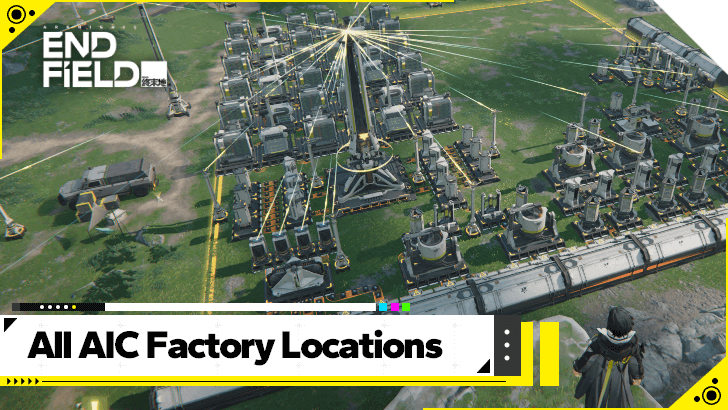 All AIC Factory Locations
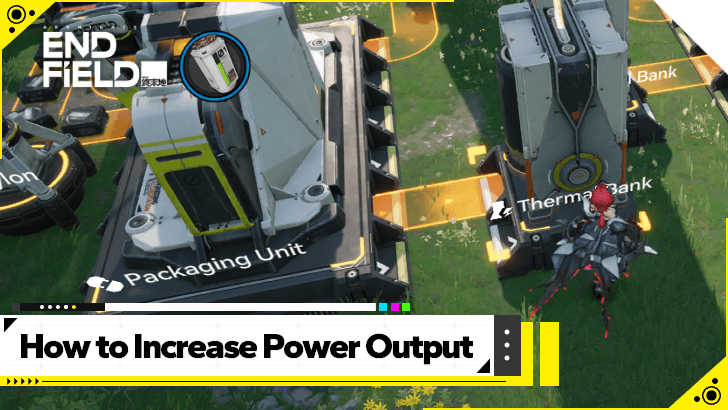 How to Increase Power Output
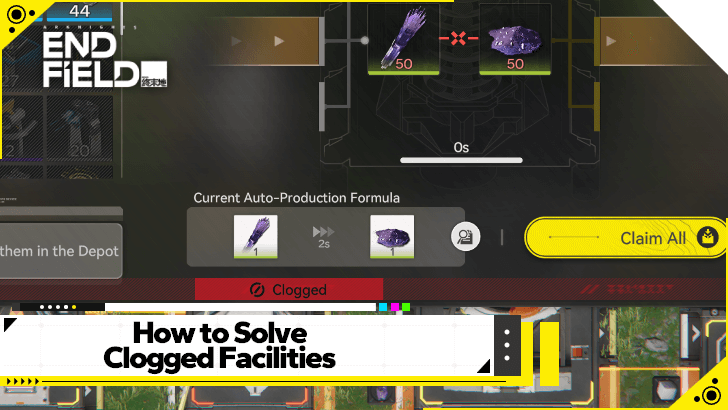 How to Solve Clogged Facilities
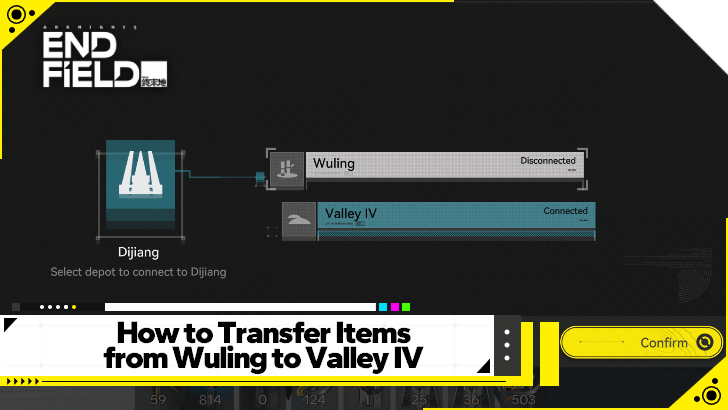 How to Move Items Between Regions
 Theoretical Data Explained
 How to Connect Relay Towers
 How to Increase AIC Storage
 Portable and Electric Mining Differences
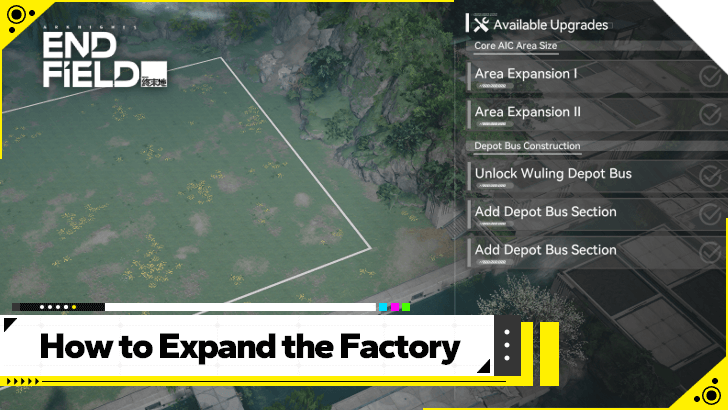 How to Expand the Factory
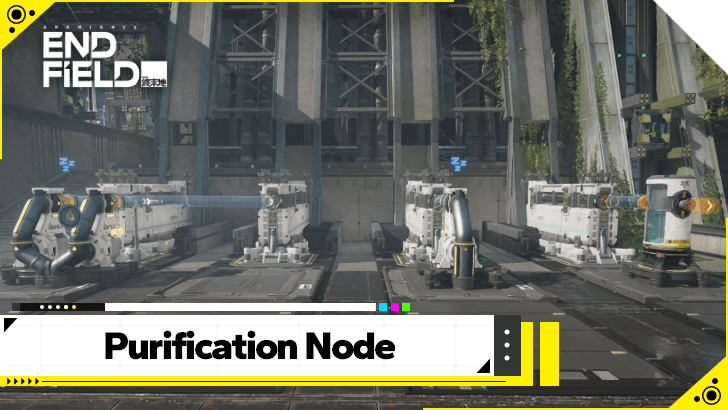 How to Use the Purification Node
AIC Factory Simulation Guides
| Reactor Expansion Guide | Depot Bus Integration Guide | Belt Integration Guide |
AIC Buildings by Type
| Resourcing | Logistics | Processing |
| Power | Combat | Exploration |
| Xiranite | - | - |
Comment




Depot Bus Integration Simulation Guide

Premium Articles
Rankings
- We could not find the message board you were looking for.

Gaming News


![Stupid Never Dies Review [First Impressions] | Surprisingly Shallow Gameplay for a Roguelite That Has So Much Style](https://img.game8.co/4659636/e6eb3795e66fb88ce885b33e2c68e7ed.png/thumb)
![Final Fantasy Resonance Review [First Impressions] | Freed From Gacha, a Mobile Final Fantasy Becomes a Classic](https://img.game8.co/4658800/30a5fd716de9c6896b440b4c4b45de99.jpeg/thumb)
![[INTERVIEW] STEINS;GATE RE:BOOT Devs Tease “We’re Pouring Our Hearts" Into the Series' Next Game](https://img.game8.co/4640596/54e1772041fc7f2b0cab415709a1ff16.jpeg/thumb)
Popular Games

Genshin Impact Walkthrough & Guides Wiki
Fire Emblem: Fortune's Weave (FEFW) Walkthrough & Guides Wiki
Aniimo Walkthrough & Guides Wiki
Wuthering Waves Walkthrough & Guides Wiki
Dragon's Dogma 2 (DD2) Dark Arisen Walkthrough & Guides Wiki
Umamusume: Pretty Derby Walkthrough & Guides Wiki
Honkai: Star Rail Walkthrough & Guides Wiki
Zenless Zone Zero Walkthrough & Guides Wiki
Pokemon TCG Pocket (PTCGP) Strategies & Guides Wiki
AION 2 Walkthrough & Guides Wiki








Recommended Games
Fire Emblem Heroes (FEH) Walkthrough & Guides Wiki
Where Winds Meet Walkthrough & Guides Wiki
Diablo 4: Lord of Hatred Walkthrough & Guides Wiki
Super Smash Bros. Ultimate Walkthrough & Guides Wiki
Persona 3 Reload Walkthrough & Guides Wiki
The Legend of Zelda: Tears of the Kingdom Walkthrough & Guides Wiki
Elden Ring Walkthrough & Guides Wiki
Pokemon Brilliant Diamond and Shining Pearl (BDSP) Walkthrough & Guides Wiki
Cyberpunk 2077: Ultimate Edition Walkthrough & Guides Wiki
Monster Hunter World Walkthrough & Guides Wiki








All rights reserved
Copyright © 2022 - 2025 GRYPHLINE. All Rights Reserved.
The copyrights of videos of games used in our content and other intellectual property rights belong to the provider of the game.
The contents we provide on this site were created personally by members of the Game8 editorial department.
We refuse the right to reuse or repost content taken without our permission such as data or images to other sites.